Static Payment Links
A HPP Static Payment Link (HSL) provides merchants with an easy and cost effective way to connect customers to the hosted payment page (HPP) that is hosted by DMG. The HSL directs the user to a static form that shows common fields and values, designed to be scanned by multiple people.
The HSL page collects the necessary information from the customers such as an invoice number, and when the payment is submitted the Charge eCommerce SDK payment solution is leveraged to process the transaction through to settlement and disbursal.
Figure 1: Example of the routing of the calls, showing that the actor e.g. customer can contact the HPP App through either QR Code or Payment Link. QR Code simply transforms into a Static link URL that passes into the browser to Hpp App.
Features
- Custom static payment link that the merchants can then convert into a QR Code
- Can be provided as a link that can be given directly or shorten through a shorting service
- Ability to easily customise the fields list and fill in fields based on the domain of the merchant such as (https://acme.hosted-page.ecomm-prd.dmgsecure.io)
Getting Started
In order to use static URLs for the merchant, the merchants can then convert into a QR Code themselves.
Static QR codes are enabled by DMG, please contact your payment service provider.
The merchant can create the URL from a URL in the following format below:
Staging
https://{MERCHANT}.hosted-page.ecomm-stg.dmgsecure.io/#?{PARAMETERS}
for example
https://dmg.hosted-page.ecomm.stg.dmgsecure.io/#?amount=23222&invoice_no=INV1234
Production
https://{MERCHANT}.hosted-page.ecomm-prd.dmgsecure.io/#?{PARAMETERS}
for example
https://dmg.hosted-page.ecomm.prd.dmgsecure.io/#?amount=23222&invoice_no=INV1234.
Parameters to be URL parameters that can be ingested into the HPP application and will fill in the form as intended.
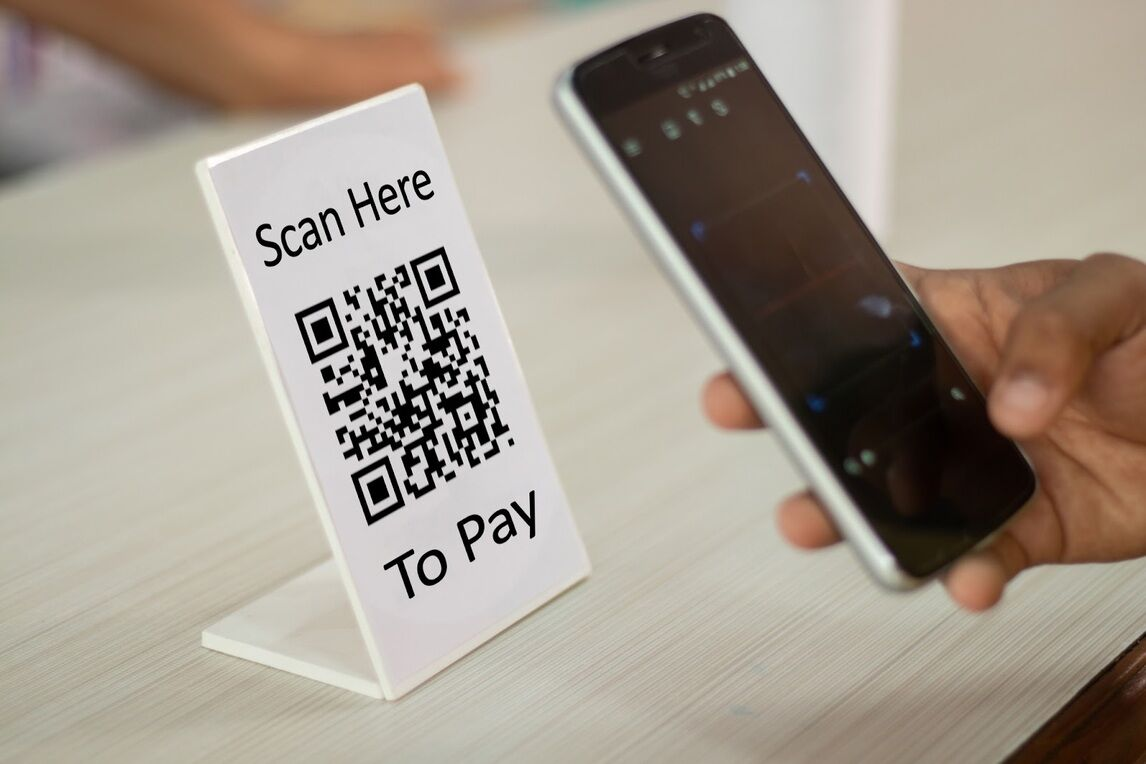
Merchants can then convert these links into a QR code. The purpose is to allow for merchants to place QR codes in positions where they intend payment using the same details or allow for the user to fill in the details as needed.
Dynamic form support
Merchants can provide a customised set of form fields and validation that can be shown to the customer in the HPP as well as provide back the data to the merchants in the Merchant Dashboard.
HPP custom form fields data structure is currently in JSON format with future roadmap of providing a form UI within Merchant Dashboard for merchants to customise the forms per HPP instance level.
{
    "name": "code",
    "label": "Customer Code",
    "placeholder": "",
    "type": "text",
    "locked": true,
    "validation": {
        "digitsOnly": true,
        "maxLength": 10
    }, "errorMessages": {
        "digitsOnly": "Value should have digits only",
        "maxLength": "Value must be no larger then 10 characters long"
    }
},
The structure above is as follows
| Key | Data Type |
|---|---|
namerequired | String Name of the field to be provided in the URL as well as shown in the system. Format required is lowercase letters with underscores Example: “customer_name” |
labelrequired | String The name of the field shown to the customer in the HPP right form user interface Example: “Customer Name” |
placeholderoptional | String The text to show inside the form fields when no user/given text has been provided. Example: “Your first and last name” |
| type required | String Type of form field to be shown, for now it’s just textExample: “text” |
| locked optional | Boolean Whether the form field is locked or not, only applicable for secure links, default is false. Example: false |
| validation optional | Array A set of validation rules to apply onto the form to determine validity of the form. |
| validation.type optional | String The type of validation to set, can be either string or number, string by default. *Example: “number” * |
| validation.alphanumericOnly | Boolean Whether it only accepts alphanumeric values. Example: false |
| validation.digitsOnly optional | boolean Whether can only accept digits, usually used when type is string and used in conjunction with maxLength used below. Example: true |
| validation.maxLength | number The maximum length the string can be. Example: 10 |
| validation.minLength | number The minimum length the string can be. Example: 2 |
| validation.min | number The minimum number a field can be (only used with numeric types) Example: 0.01 |
| validation.max | number The maximum number a numeric field can have (only used with numeric types) Example: 50000000 |
| errorMessages | Object A keypair of error messages, key being the error key and the value to be the error message to be shown Example: { "digitsOnly": "Value should have digits only", "required": "Value must be a number at least ₹0.01", "min": "Value must be a number at least ₹0.01", "max": "Value must be a number at most ₹5,000,000,000" }"* |
Each payment page requires the customer to provide the payment amount (dmg enforced) and additional fields (merchant provided) along with the necessary validation required to process a payment. The merchant can configure additional fields to support their internal processing, these fields are displayed on the payment page. These fields can be prefilled by the merchant by HTTP GET key-value information, then populated/amended by the merchant’s customers.
Keys format to support the mapping of values:
- No larger then 32 character
- Must be in an alpha numeric value that can use the following special characters dash (-) or underscore (_)
- Must be unique for the keys given
- Can not remove or change the
amountparameter
Note: The merchant is unable to prefill any keys without having a form field existing in the form.