Mentor Dashboard
Overview
The Mentor Dashboard is a powerful analytical platform designed to provide merchants with comprehensive data insights, helping you make informed decisions and optimise your business operations. This dashboard offers a centralised view of your key performance indicators, enabling you to monitor trends, identify opportunities, and understand your customers better.
The dashboard is organised into several key tabs, each providing a distinct focus on different aspects of your business data.
Home
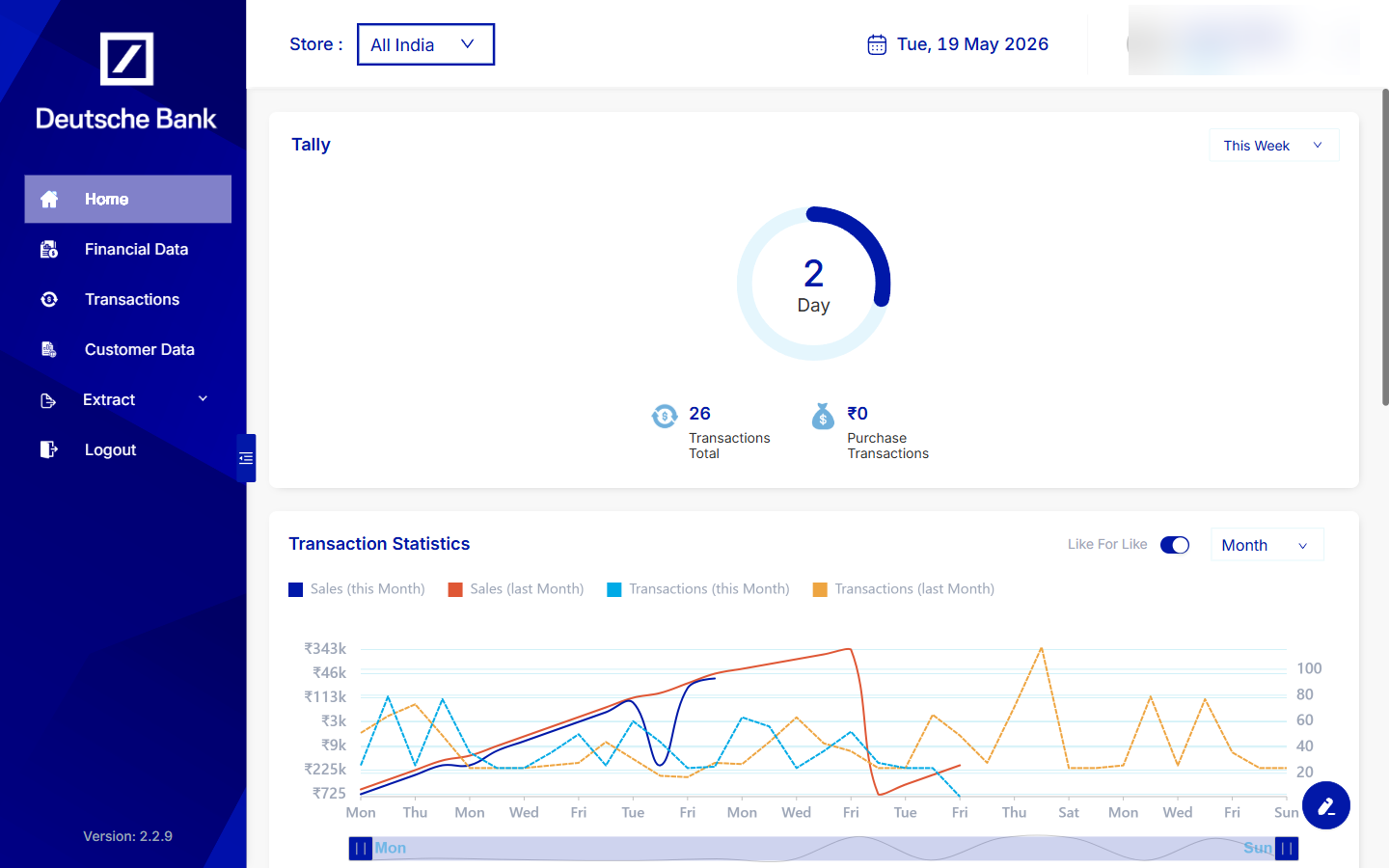
The Home tab serves as your personalised analytical dashboard page, where you can set up and view key metrics related to your transactions. It offers a quick overview and customisable widgets to keep essential information at your fingertips.
Financial Data
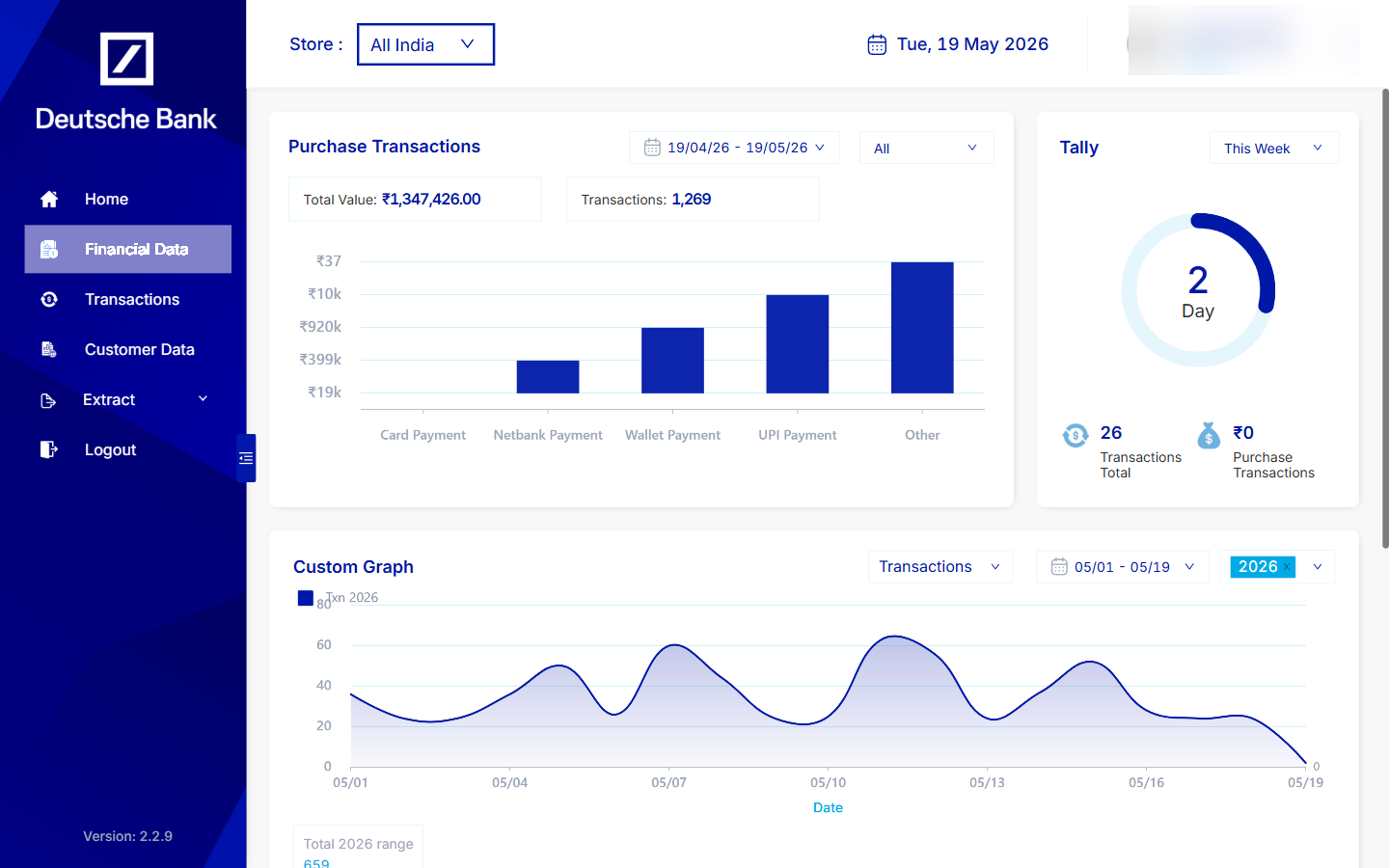
Under the Financial Data tab, you can access detailed insights into your periodic cash flow and other financial performance indicators. This section helps you understand revenue cycles and financial health over specified periods.
Transactions
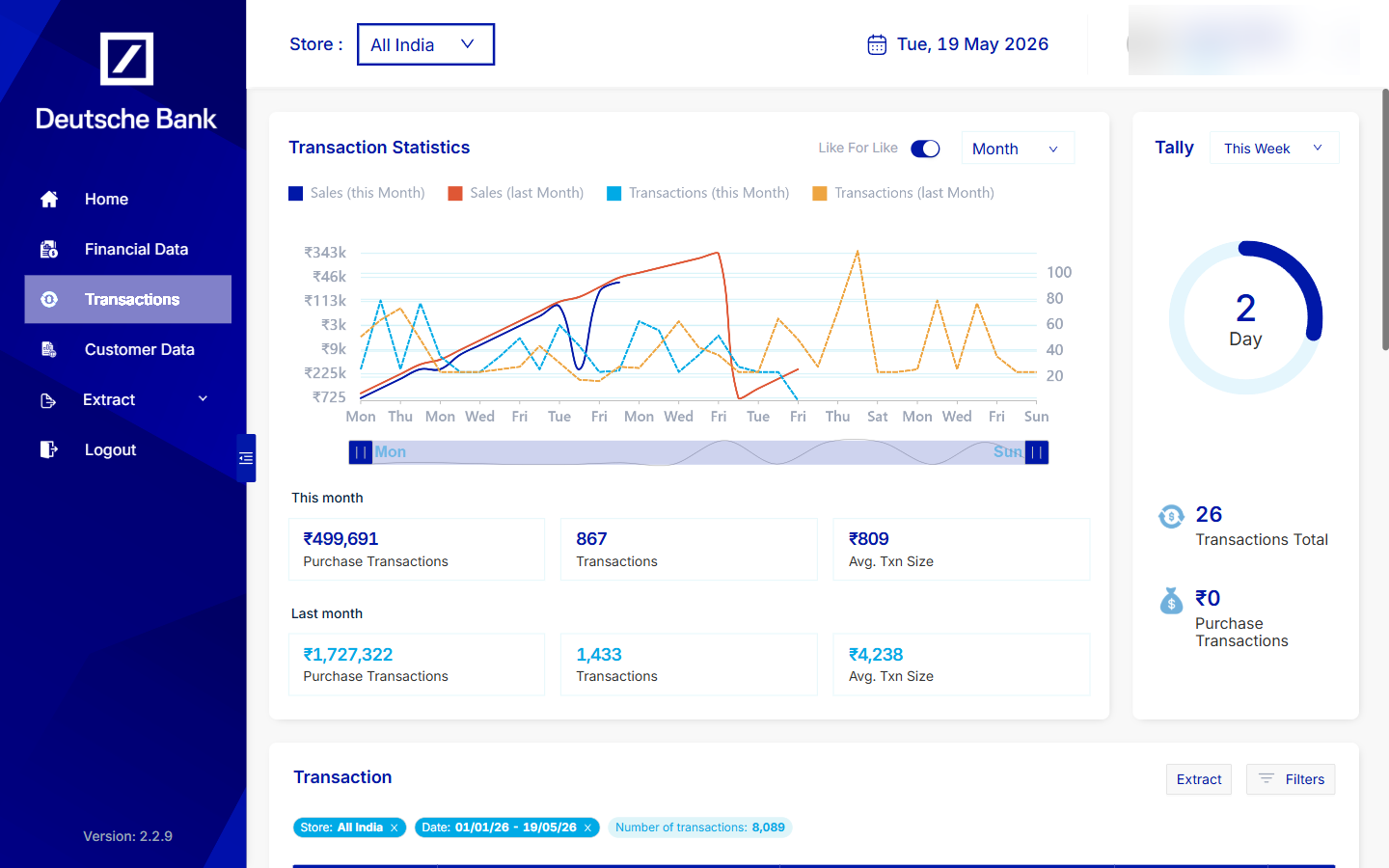
The Transactions tab provides a more granular breakdown of all your detailed transactions. Here, you can delve into individual transaction records, search for specific payments, and analyse transaction patterns to identify operational efficiencies or anomalies.
Customer Data
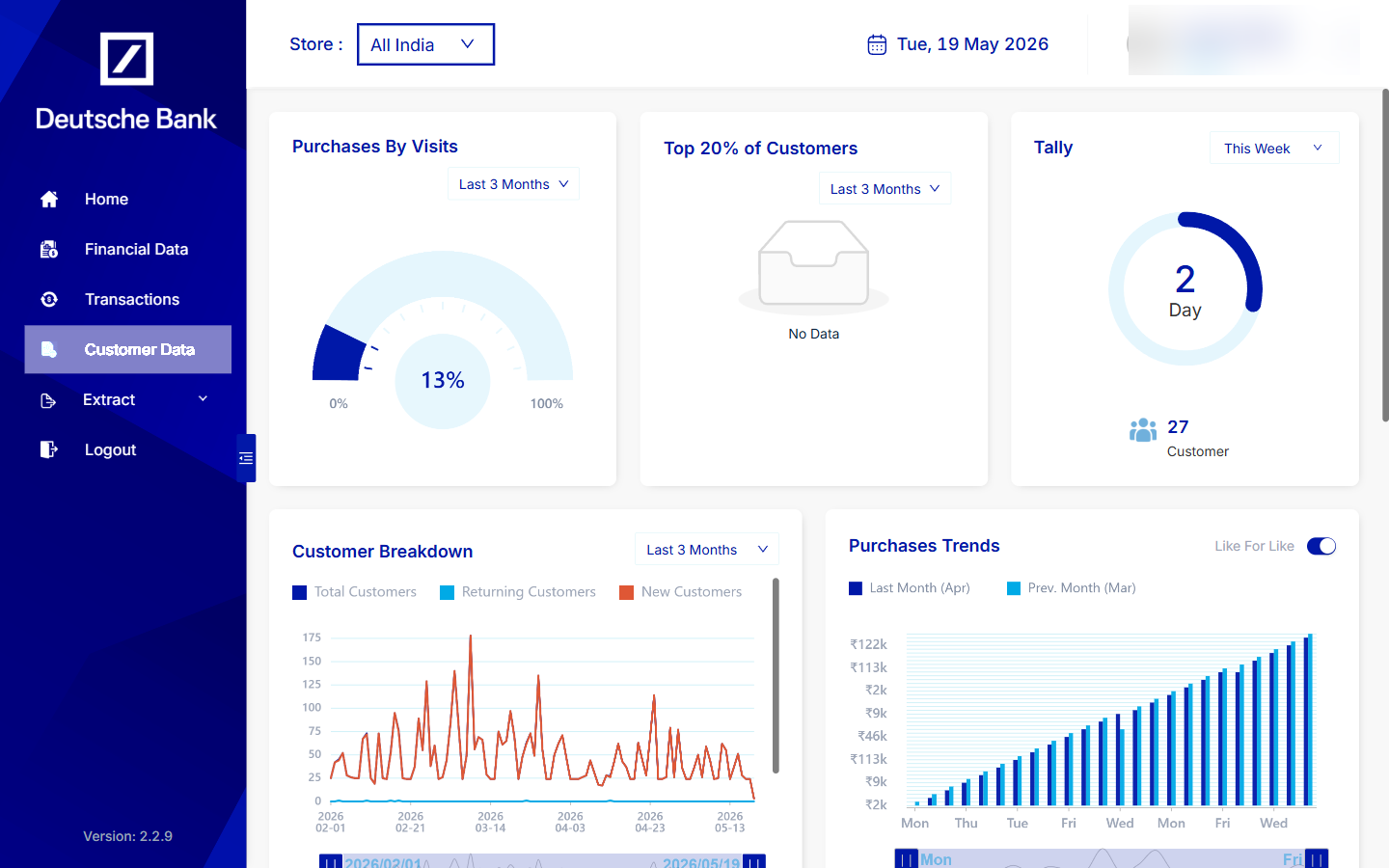
To gain a deeper understanding of your clientele, the Customer Data tab breaks down information into individual customer profiles. This allows for analysis of customer behaviour, preferences, and demographics, which can inform targeted marketing strategies and customer service improvements.
Extract
The Extract tab is designed for data export and reporting. It provides capabilities to export your valuable data into other formats for further analysis or integration with external systems. Additionally, you can set up scheduled automatic reporting to ensure you receive regular updates without manual intervention.
Accessing the Mentor Dashboard
The Mentor Dashboard is available to onboarded merchants at the URL provided during onboarding. Sign in with the credentials issued by your onboarding team to begin exploring your data insights.